How do I add the Fuzzy Dream Dance sound so it lines up?
Updated:
Short answer
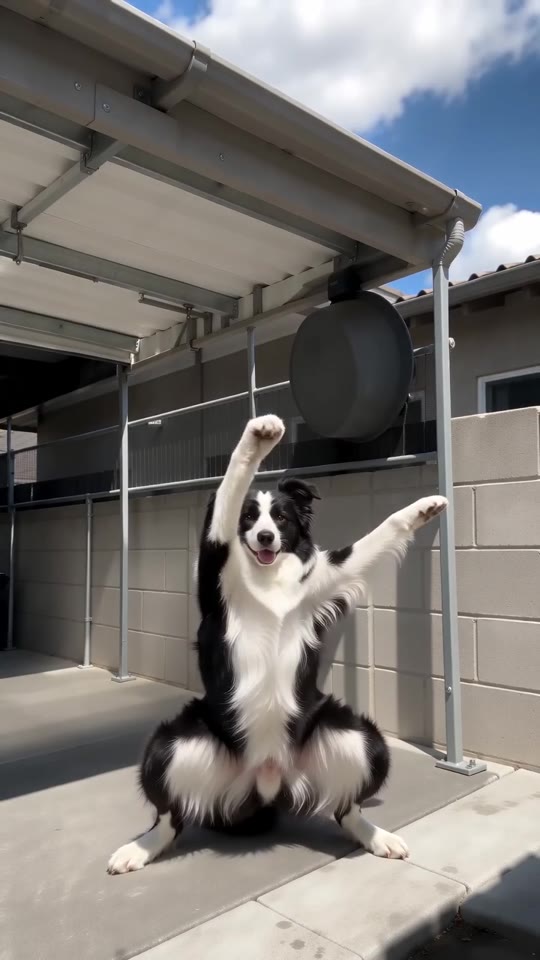
Most posts use a sped-up remix of “Miles Away” by Madonna, posted as “original sound - DjLukeyC”. Our video follows seconds 3 to 13 of the @dowaynesmiler5 yard clip, so add that sound in TikTok and start it about 3 seconds in. The song itself is not in our video.
How to add the sound and the caption
- Download your video, or the silent version, from My videos.
- Open the @dowaynesmiler5 clip from 22 October in TikTok, tap the sound name (“original sound - DjLukeyC”) and choose Use this sound.
- Upload your video and trim the sound to start about 3 seconds in, where the dancer drops into the squat.
- Nudge the start until the beat feels right, and add your own caption on top. Our video has no text.
- Turn the video's own audio down to 0 if you want only the original sound.
Why the sound is not included
The sound is a sped-up remix of “Miles Away” by Madonna, uploaded by DjLukeyC, and songs on TikTok belong to their owners. MimicZip is an independent tool, not made, endorsed or licensed by Madonna or DjLukeyC. Our video carries new AI-made music, and you add the sound inside TikTok, where it is licensed.
How to add the original sound to your Fuzzy Dream Dance AI video in TikTok
Our video comes with new AI-made music. To use the trending sound, add it inside TikTok when you post. Our video follows seconds 3 to 13 of the @dowaynesmiler5 yard clip, so the sound should start about 3 seconds in.
- Open the @dowaynesmiler5 clip from 22 October in TikTok, which uses the DjLukeyC sound, tap the sound name at the bottom and tap Use this sound.
- Upload the video you downloaded from us, or the silent version from My videos.
- Turn the video's own sound down to 0.
- Use the scissors (trim) to start the sound about 3 seconds in, where the dancer drops into the squat, nudge it until the beat feels right, then post.

Need to move where the sound starts? This short video shows how to trim it.

Video: How To Trim Sound On TikTok 2026 (Very Easy) by Software Solutions on YouTube
Questions people ask
Which sound lines up best?
The DjLukeyC sound, because the dance in the clip we follow lands on that beat from the first deep squat.
The sound is longer than my video. Does that matter?
No. Our video runs 10 seconds, so trim the sound at the end of your video.
Does the preview line up too?
No. The 5-second preview runs faster. Only the 10-second video follows the full timing.
Make your own Fuzzy Dream Dance video
Upload one photo and make a 10-second HD video from $8.99. No subscription, and the full video has no watermark.
Make my video